
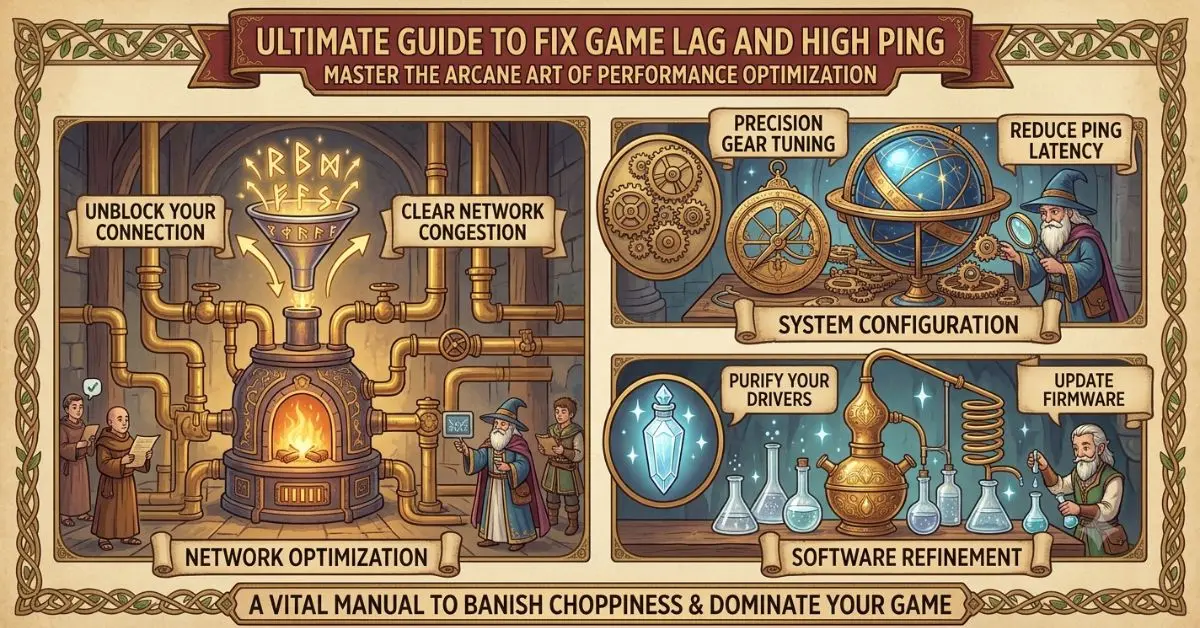
Fix Game Lag and High
Introduction
Nothing is more frustrating than losing an online match because of constant lag or high ping. Whether you’re playing a fast-paced shooter, a multiplayer battle arena, a racing game, or an online RPG, network issues can ruin the experience. This How to Fix Game Lag and High Ping guide is designed to help beginners and intermediate gamers understand why these problems occur and, more importantly, how to solve them.
Game lag and high ping are often confused, but they aren’t always the same thing. Lag can be caused by your internet connection, your computer’s hardware, background applications, or even the game server itself. High ping refers to the delay between your computer and the game server, which directly affects how quickly your actions register during gameplay.
The good news is that you don’t always need faster internet or expensive hardware to improve your gaming experience. Small adjustments such as optimizing your network, changing in-game settings, updating drivers, or reducing background activity can make a significant difference.
In this complete How to Fix Game Lag and High Ping guide, you’ll learn practical, easy-to-follow techniques that can help reduce latency, improve stability, and create a much smoother online gaming experience.
What is How to Fix Game Lag and High Ping?
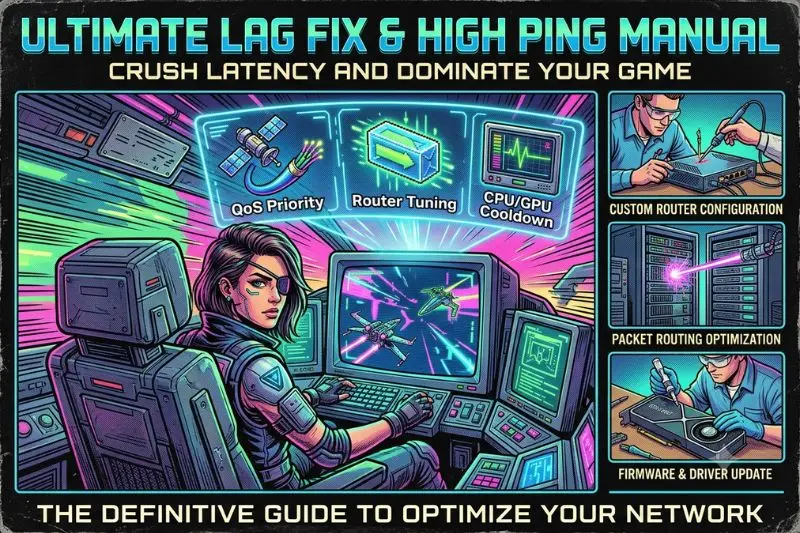
Before solving the problem, it’s important to understand what lag and ping actually mean.
Game lag is any noticeable delay, freezing, or stuttering that interrupts smooth gameplay. It may occur because of low frame rates, slow internet, overloaded hardware, or unstable servers.
Ping measures the time it takes for data to travel between your computer and the game server. It is measured in milliseconds (ms).
For example:
- 0–30 ms: Excellent
- 30–60 ms: Very good
- 60–100 ms: Good
- 100–150 ms: Playable
- Above 150 ms: Noticeable delay
Lower ping means faster communication between your device and the server, resulting in more responsive gameplay.
Why is How to Fix Game Lag and High Ping Important?
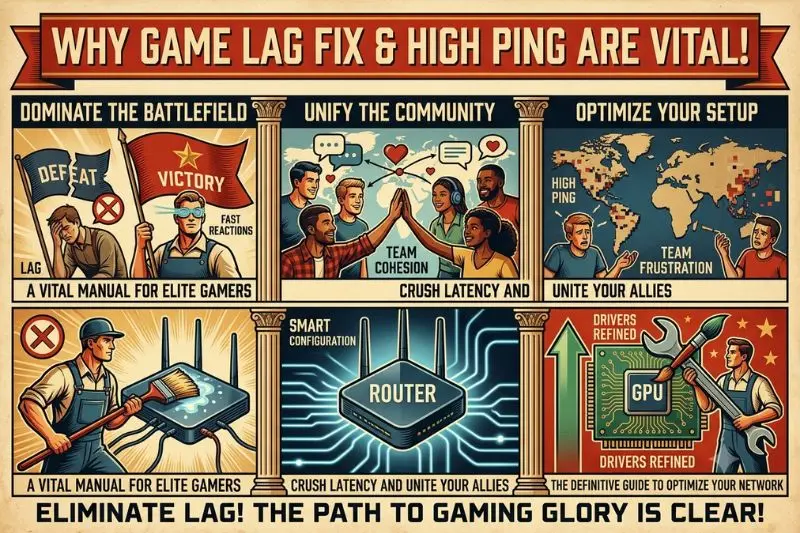
Reducing lag and lowering ping can dramatically improve your gaming performance.
Here are some key benefits:
- Faster response to your inputs.
- Smoother gameplay with fewer interruptions.
- Better accuracy in competitive games.
- Improved reaction time.
- More enjoyable multiplayer experiences.
- Reduced chances of disconnecting from matches.
- Better communication with game servers.
Whether you’re a casual player or someone who enjoys ranked matches, stable performance makes gaming far more enjoyable.
Detailed Step-by-Step Guide
Step 1: Test Your Internet Connection
The first step is identifying whether your internet connection is causing the issue.
Check:
- Download speed
- Upload speed
- Ping
- Packet loss
- Connection stability
Even if your download speed is high, unstable latency can still create serious gaming problems.
Step 2: Restart Your Router
A simple router restart often resolves temporary network issues.
Turn your router off for about 30 seconds before turning it back on. This refreshes the connection and may reduce latency.
If you haven’t restarted your router in weeks, this simple step can sometimes make a surprising difference.
Step 3: Use a Wired Ethernet Connection
Wi-Fi is convenient but generally less stable than a wired connection.
Using an Ethernet cable offers several advantages:
- Lower latency
- More stable connection
- Reduced packet loss
- Fewer interruptions from wireless interference
Competitive gamers almost always prefer wired connections whenever possible.
Step 4: Close Background Downloads
Many applications continue using your internet connection without you realizing it.
Pause or close:
- Cloud storage synchronization
- Software updates
- Game downloads
- Streaming services
- Video calls
- Large file transfers
Freeing up bandwidth allows your game to communicate with servers more efficiently.
Step 5: Close Unnecessary Background Programs
Programs running in the background can consume CPU, RAM, and network resources.
Examples include:
- Web browsers with many tabs
- Music streaming applications
- Video editing software
- File-sharing programs
- Recording software
Closing unused applications helps your PC focus on gaming.
Step 6: Choose the Nearest Game Server
Many online games allow players to select a server region.
Always choose the closest available server.
For example:
- North America
- Europe
- Asia
- Middle East
- Oceania
Connecting to nearby servers reduces the distance data must travel, often resulting in lower ping.
Step 7: Update Network Drivers
Outdated network drivers may cause instability and performance problems.
Regularly updating your:
- Ethernet drivers
- Wi-Fi drivers
- Motherboard chipset drivers
can improve compatibility and network performance.
Step 8: Update Your Game
Game developers frequently release updates that improve server performance, optimize networking, and fix bugs.
Always install the latest version before troubleshooting further.
An outdated game client may experience connection problems that have already been resolved in newer updates.
Step 9: Reduce Network Congestion at Home
If several people are streaming videos, downloading large files, or attending video meetings on the same network, your gaming performance may suffer.
Try to:
- Pause large downloads.
- Schedule updates for later.
- Limit high-bandwidth activities during gaming sessions.
This helps ensure your game receives enough network resources for smooth online play.
Step 10: Optimize In-Game Network Settings
Many modern games include network-related settings that can improve stability.
Review options such as:
- Region selection
- Voice chat quality
- Matchmaking preferences
- Data usage settings
- Network diagnostics
Also, lower demanding graphics settings if your computer struggles with performance. Sometimes what feels like network lag is actually low frame rate caused by hardware limitations.
By combining optimized graphics settings with a stable internet connection, you can create a much smoother gaming experience.
Step 11: Enable Quality of Service (QoS) on Your Router
Many modern routers include a feature called Quality of Service (QoS), which prioritizes internet traffic for specific devices or applications.
If available, configure your router to prioritize your gaming PC or gaming console. This reduces network congestion and helps maintain a stable connection during online matches.
Step 12: Disable VPNs and Proxies While Gaming
Although VPNs improve privacy, they often increase ping because your data must travel through additional servers.
Unless a game specifically requires a VPN, disable it before playing online. This usually results in lower latency and faster server communication.
Step 13: Scan Your Computer for Malware
Malware and unwanted software may use your internet connection or system resources without your knowledge.
Run a full system scan using trusted antivirus software to remove potential threats that could affect gaming performance.
Step 14: Keep Windows Updated
Operating system updates often include:
- Network improvements
- Security patches
- Driver compatibility updates
- Performance optimizations
Installing the latest updates helps maintain a stable and reliable gaming environment.
Step 15: Upgrade Your Internet Plan or Equipment
If you’ve tried every optimization and still experience consistently high ping, your internet service or networking equipment may be the limiting factor.
Consider upgrading:
- Your internet speed.
- Your Wi-Fi router.
- Ethernet cables.
- Network adapter.
Older networking hardware may struggle to handle modern online gaming efficiently.
Step 16: Monitor Packet Loss
Packet loss occurs when data fails to reach the game server correctly.
Even with low ping, packet loss can cause:
- Teleporting players
- Delayed actions
- Rubber banding
- Random disconnects
Monitoring packet loss helps identify whether the issue lies with your network or your internet service provider.
Step 17: Check for Server Problems
Sometimes the problem isn’t on your end.
Game servers occasionally experience:
- Heavy traffic
- Scheduled maintenance
- Unexpected outages
- Technical issues
If many players report similar problems, waiting for the developers to resolve the issue may be the only solution.
Step 18: Restart Your PC Regularly
Many gamers leave their computers running for days.
Restarting your PC:
- Clears temporary files.
- Refreshes memory usage.
- Restarts network services.
- Closes hidden background processes.
A quick restart before gaming often improves overall system stability.
Benefits of How to Fix Game Lag and High Ping
Optimizing your gaming connection offers many advantages:
- Faster response times during gameplay.
- Reduced latency in online matches.
- More stable multiplayer sessions.
- Fewer disconnections.
- Better aiming accuracy.
- Improved competitive performance.
- Smoother voice communication.
- Less frustration during long gaming sessions.
- Better overall gaming experience.
- More consistent frame delivery when combined with system optimization.
Disadvantages / Risks
Although these optimization techniques are generally safe, there are a few considerations:
- Router configuration changes should be made carefully.
- Some network settings may vary depending on your internet provider.
- Upgrading networking equipment may involve additional costs.
- Certain games have server-side issues that users cannot fix.
- Extremely low graphics settings may reduce visual quality while improving performance.
Understanding these limitations helps you focus on solutions that are actually within your control.
Common Mistakes to Avoid
Many players accidentally create networking problems by overlooking simple details.
Using Wi-Fi in Crowded Areas
Wireless interference from nearby devices can increase latency and reduce connection stability.
Ignoring Router Updates
Router firmware updates often improve performance and security.
Running Multiple Downloads
Large downloads consume bandwidth and increase lag during gameplay.
Choosing the Wrong Server Region
Connecting to distant servers almost always results in higher ping.
Never Restarting Networking Equipment
Routers benefit from occasional restarts to clear temporary connection issues.
Ignoring Background Applications
Programs syncing files or downloading updates can affect both network performance and system resources.
Confusing FPS Drops with High Ping
Low frame rates and network latency are different issues. Troubleshooting the correct problem saves time and leads to better results.
What causes high ping in online games?
High ping is commonly caused by long distances to game servers, unstable internet connections, network congestion, outdated hardware, or problems with your internet service provider.
Does faster internet always reduce ping?
Not necessarily. Higher download speeds improve file transfers, but ping depends more on connection quality, routing, and distance to the game server than on raw internet speed.
Is Ethernet better than Wi-Fi for gaming?
Yes. A wired Ethernet connection is generally more stable, experiences less interference, and usually provides lower latency than Wi-Fi.
Why does my game lag even with good internet?
Lag can result from several factors besides internet speed, including low FPS, outdated drivers, overheating, insufficient RAM, or overloaded game servers.
Can a router affect gaming performance?
Absolutely. Older or low-quality routers may introduce additional latency, weaker wireless signals, or connection instability. Upgrading your router can noticeably improve online gaming.
What ping is best for competitive gaming?
Most competitive players aim for a ping below 50 milliseconds. Lower ping provides quicker response times and more accurate gameplay.
Can background apps increase ping?
Yes. Applications downloading updates, syncing cloud storage, streaming media, or using voice and video calls can consume bandwidth and negatively affect gaming performance.
How often should I restart my router?
Restarting your router every few weeks—or whenever you notice unusual connection problems—can help maintain stable performance and resolve temporary network issues.
Expert Tips & Bonus Points
Want even smoother gameplay? These additional tips can help maximize your connection quality:
- Restart your router before important gaming sessions.
- Keep your network drivers updated.
- Use Ethernet whenever possible.
- Avoid gaming during peak internet usage hours if your connection slows significantly.
- Position your router in an open area for stronger Wi-Fi coverage.
- Replace damaged Ethernet cables.
- Keep your PC free of unnecessary startup programs.
- Monitor both FPS and ping to identify whether problems are hardware- or network-related.
- Upgrade networking equipment every few years if performance declines.
- Stay informed about scheduled server maintenance for the games you play most often.
Small improvements in several areas often produce a much larger overall improvement than relying on a single solution.
Conclusion
Online gaming is far more enjoyable when your connection is fast, stable, and responsive. While occasional server issues are unavoidable, many causes of lag and high ping can be resolved with a few practical adjustments. From using a wired Ethernet connection and selecting the nearest game server to updating drivers, reducing background activity, and maintaining your networking equipment, every optimization contributes to a smoother gaming experience.
This How to Fix Game Lag and High Ping guide has covered the most effective methods for improving online gameplay without requiring advanced technical knowledge. By understanding the difference between lag, ping, FPS, and packet loss, you can identify the real source of performance problems and apply the right solution instead of relying on guesswork.
Remember that no single fix works for every situation. Test one change at a time, monitor your results, and continue refining your setup. Regular maintenance, smart network management, and keeping your system updated can make a noticeable difference over the long term.
With the techniques explained in this guide, you’ll be better prepared to reduce latency, minimize interruptions, and enjoy faster, smoother, and more reliable online gaming sessions. Whether you’re playing casually with friends or competing in ranked matches, a stable connection gives you the confidence to focus on what matters most—playing your best.
